GTA 6 preload guide: when it opens, and how to make sure it actually starts
Preload for Grand Theft Auto VI opens on 12 November at local midnight for digital pre-orders and redeemed codes. Here's how to make it start on its own on PS5 and Xbox Series X|S, how to trigger it by hand, and what Rockstar still has not said — starting with the install size.
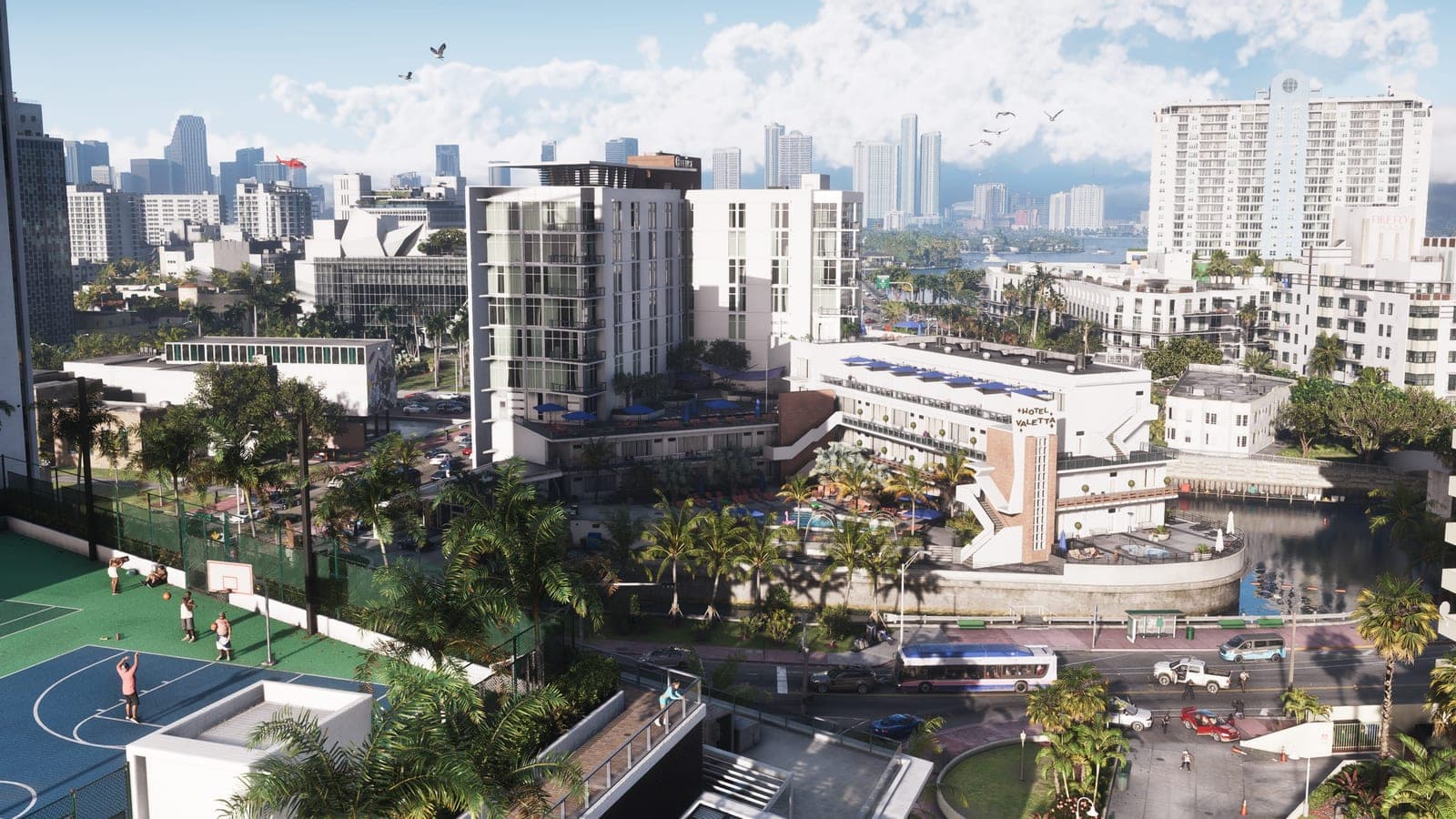
Preload opens on 12 November at local midnight, one week before the 19 November launch. That is Rockstar's wording, from its own support pages and the pre-order announcement: anyone who pre-ordered a digital copy, or has redeemed the code from a boxed one, can start downloading then.
That sentence is close to everything Rockstar has published about the preload. The rest of what you need — whether the download starts by itself, what settings it depends on, how to force it — is console mechanics, and it comes from Sony's and Microsoft's support pages rather than from Rockstar. This guide separates the two, because the failure modes are almost all on the console side.
What Rockstar has actually said
| Status | |
|---|---|
| Preload opens 12 November, local midnight | Confirmed |
| Available to digital pre-orders on PS5 and Xbox Series X|S | Confirmed |
| Redeemed codes from boxed copies preload from the same date | Confirmed |
| Boxed copies on sale from 12 November, code inside, no disc | Confirmed |
| Install size | Not announced |
| Day-one patch, and its size | Not announced |
| Unlock time on 19 November | Not announced |
Two things in that table matter more than they look. The preload starts at local midnight, not at one global moment — so it opens in Auckland before it opens in London, and in London before New York. And the boxed copy is a download code rather than a disc, which is why Rockstar puts it on sale from the 12th: the box exists so that the code inside can be redeemed in time to preload. There is no version of GTA VI that installs without this download.
Who gets the preload
- Digital pre-orders, Standard or Ultimate, on the PlayStation Store or the Xbox Store. The edition makes no difference to the download; what separates them is bonus content.
- Boxed copies, once redeemed. Redeem the code on the store, and the game appears in your library like any digital pre-order. Rockstar says codes redeemed before launch preload from the 12th.
- Nobody who buys on 19 November. A purchase on launch day starts the full download at that moment. That is the entire practical case for pre-ordering: not scarcity, just the week of downloading that everyone else has already done.
PlayStation 5: making it start on its own
Sony's rule is simple: a pre-ordered game downloads automatically as soon as it becomes available, if the console is set up for automatic downloads and is either on or in rest mode with an internet connection. Three settings decide it.
- Turn on automatic downloads. Settings → Saved Data and Game/App Settings → Automatic Updates → Auto-Download. There is a separate Auto-Install in Rest Mode toggle beneath it; leave both on, or the console will fetch the files and then wait for you.
- Let rest mode keep the connection. Settings → System → Power Saving → Features Available in Rest Mode → Stay Connected to the Internet. Without this, rest mode is just off with a faster wake-up, and nothing downloads.
- Make it your primary console. Sony's pre-order page says automatic downloads go to the console registered as your primary PS5 — Settings → Users and Accounts → Other → Console Sharing and Offline Play. If you have two consoles, or bought a new one this year, check which one holds that status.
Then, on the night of 11 November, put the console into rest mode rather than switching it off. Rest mode is the option on the power menu; holding the power button until it beeps twice is a full shutdown and defeats the whole arrangement.
To start it by hand: open the Game Library, go to Purchased, and select Grand Theft Auto VI. Before the window opens, the tile shows a timer counting down, and selecting it lets you adjust auto-download for that one game; from local midnight on the 12th it offers the download itself. You can also start it from the PlayStation App on a phone — Sony's support pages say pre-ordered games can be sent to a console that is in rest mode and connected — which is the useful route if you are not at home.
Xbox Series X|S: the power mode is the trap
Microsoft's pre-order FAQ says a pre-ordered game downloads to the console before release, along with any updates issued before the release date, provided the console is on or in Sleep. Sleep is the mode Microsoft called Instant-On until 2023, and the same FAQ still uses the old name in places. The catch is that it is no longer the default: since 2023 Microsoft has shipped consoles in Shutdown (energy saving) and moved existing ones to it by update, so an Xbox that has never had its power mode touched is almost certainly in the mode that does not qualify.
- Set the power mode. Settings → General → Power options → Sleep. Microsoft's own note is that Sleep draws more power at rest than Shutdown, and that Shutdown can still take system and game updates overnight. Its pre-order page does not extend that to pre-order downloads, so Sleep is the setting that is documented to work for this.
- Turn on automatic game updates. Settings → System → Updates → Keep my games & apps up to date. This is what lets the console pull the pre-release update Microsoft mentions, so the game is current when it unlocks rather than patching at midnight.
- Leave it in Sleep on the 11th. Pressing the Xbox button on the controller and choosing Sleep is enough; the console keeps a network connection and the download runs.
To start it by hand: My games & apps → Full library → All owned games, select Grand Theft Auto VI and choose Install. Before the preload window the entry is there but will not install; from the 12th it does. The Xbox app on a phone can queue the same install remotely, which works only if the console is in Sleep — one more reason to change that setting now rather than the week before.
The ways it goes wrong
Every one of these has caught people on previous launches, and none of them produces an error message you will see at the time.
- The console is off at the wall, or on a power strip that someone switches off. Rest mode and Sleep both need mains power. Obvious, and still the most common failure.
- There is not enough space. The download does not shrink to fit; it fails and waits. Rockstar has not published a size, so clear more than you think you need, and do it before the 12th rather than on it. The storage guide explains why 250 GB is the sensible planning figure, how much each console actually holds, and which expansion drives let you play from them.
- The Xbox is in Shutdown. See above. This is the single most likely reason an Xbox preload does not happen overnight.
- The PS5 is not the primary console. The download goes to the primary one, which may be the old console in another room, or a console you sold.
- A metered or capped connection. There is no disc to install from, so the full download is unavoidable. If your data cap resets on a date near the 12th, the preload week is the time to be aware of it.
- A wireless connection that drops overnight. A dropped connection pauses the download, and a paused download is easy to mistake for a finished one. Check the progress in the morning rather than the tile. Ethernet, if you have it, is the boring answer.
Preloaded is not playable
The files sit encrypted on the drive until the game unlocks on 19 November. Preloading a week early gains you nothing on the 12th and everything on the 19th; the only thing it moves is when the downloading happens.
Rockstar has not announced the unlock time. On 8 September, GamesRadar and Kotaku reported that the PlayStation Store's own listing timestamps point to a rolling unlock at midnight in each region, rather than one global moment, with the United States treated as a single block on Eastern time. That is a store listing, not a Rockstar statement, and Rockstar has confirmed nothing. Our unlock time explainer works through both models and what each means where you live; it will be updated the day Rockstar says which one it is.
What is not confirmed
- The install size. Neither store lists one, and Rockstar has not said. Every figure circulating is an estimate.
- The size of the day-one patch, or whether the preload already includes it. Microsoft's FAQ says pre-release updates come down with the preload, which is the general rule; whether Rockstar ships its launch patch before or after the 12th is unknown.
- The unlock time, as above.
When we will know more
Rockstar has historically published a Newswire post in the last two weeks before a launch that covers preload, install size and unlock timing together. Red Dead Redemption 2 got one in October 2018, and the GTA V PC upgrade got one in 2025. Expect the same in early November, and expect the install size in it.
Until then, the two things you can do are already clear: change the power setting on the console you will play on, and clear the space. For the date itself, the release date guide has the history; for the night of the 18th, the unlock time explainer has the scenarios.
Read next
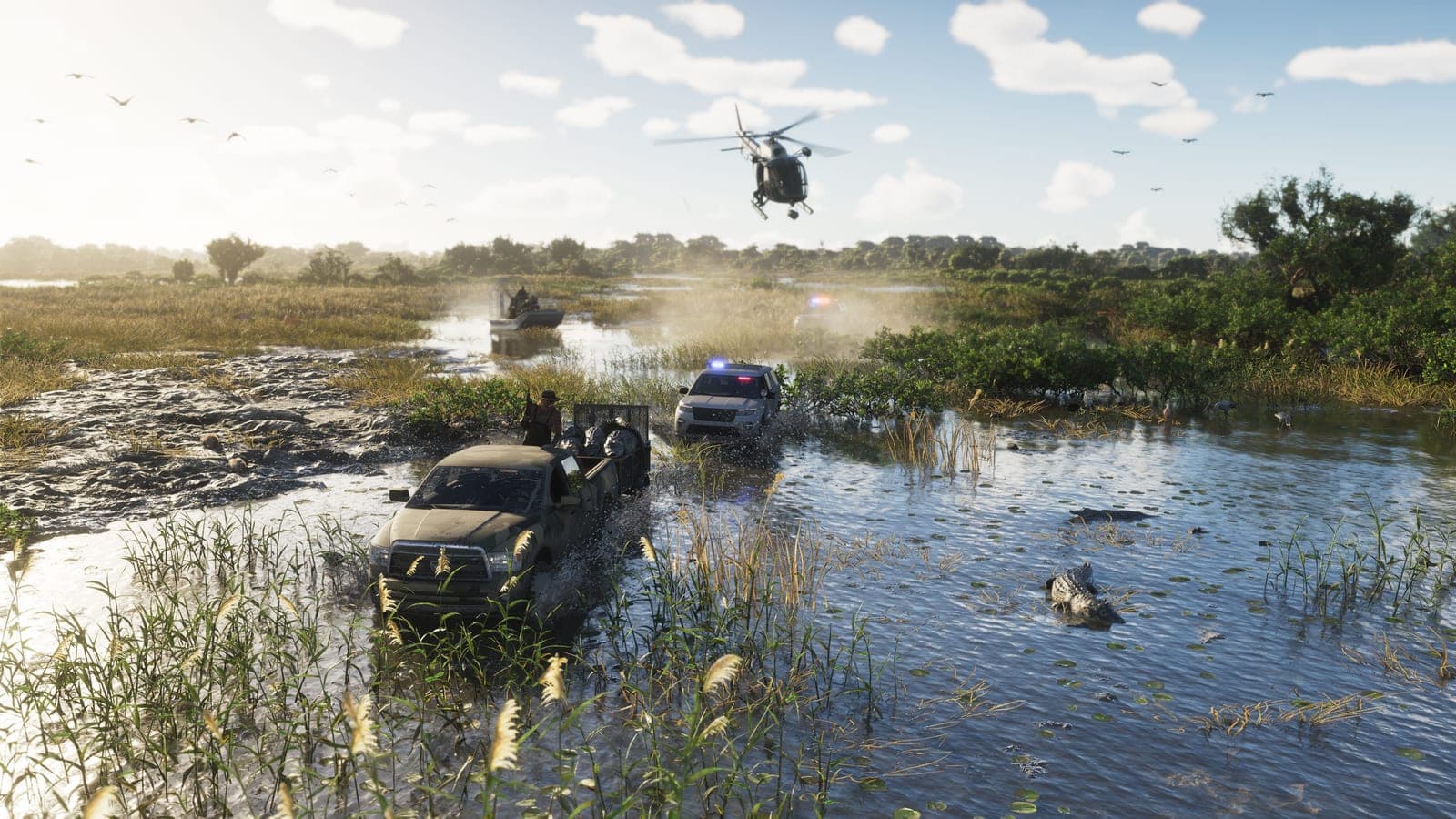
GTA 6 is Game Informer's next cover story, and the details land on 29 September
Game Informer announced on 25 September that Grand Theft Auto VI is its next cover: 14 pages, 12 unseen screenshots, interviews with Rockstar lead designers, and the first mention of Leonida's weather and wildlife systems. Here is what was actually announced, what was only named, and when you can read it.
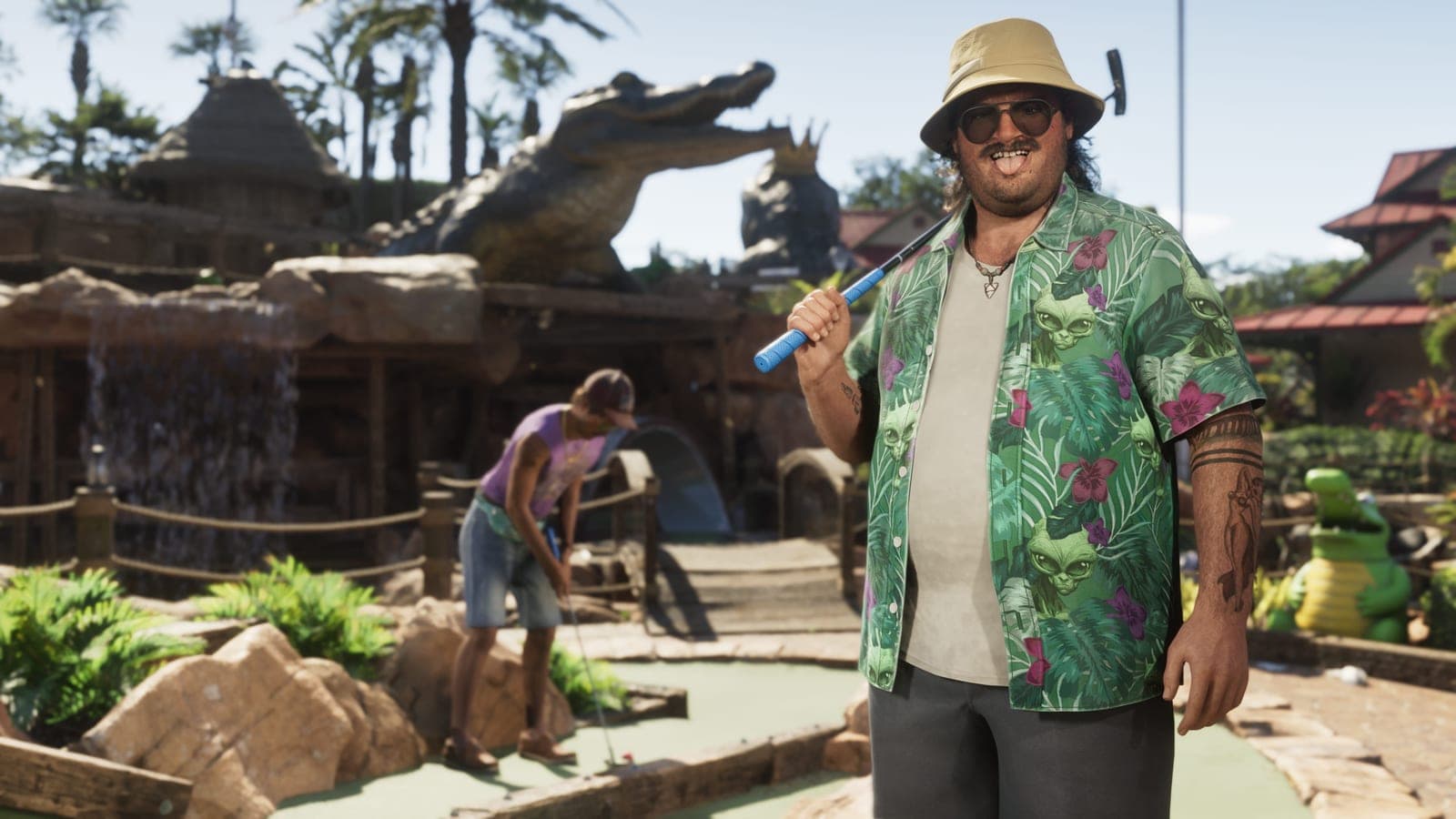
GTA 6's collector's edition costs $399.99 and does not contain the game
Rockstar announced The Goodtime State – Vice City Collection on 24 September. It is eleven pieces of merchandise in a box, it ships on launch day, it is limited to one per customer, and it includes no copy of Grand Theft Auto VI, no download code and no in-game content.
GTA 6 DualSense controllers: two editions, $84.99, and nothing at all for Xbox
Sony announced two limited-edition Grand Theft Auto VI DualSense controllers on 3 September and opened pre-orders on 10 September. What they cost, which of the two is genuinely hard to get, why they ship on launch day, and why the game that refused to press a disc now has official hardware on only one of its two platforms.