GTA 6 storage guide: how much space to clear on PS5 and Xbox, and how to add more
Rockstar has not published an install size for Grand Theft Auto VI, so plan for 250 GB free before preload opens on 12 November. Here's how much space each PS5 and Xbox Series X|S model actually has, what to delete, which expansion drives let you play from them, and which only store the game.
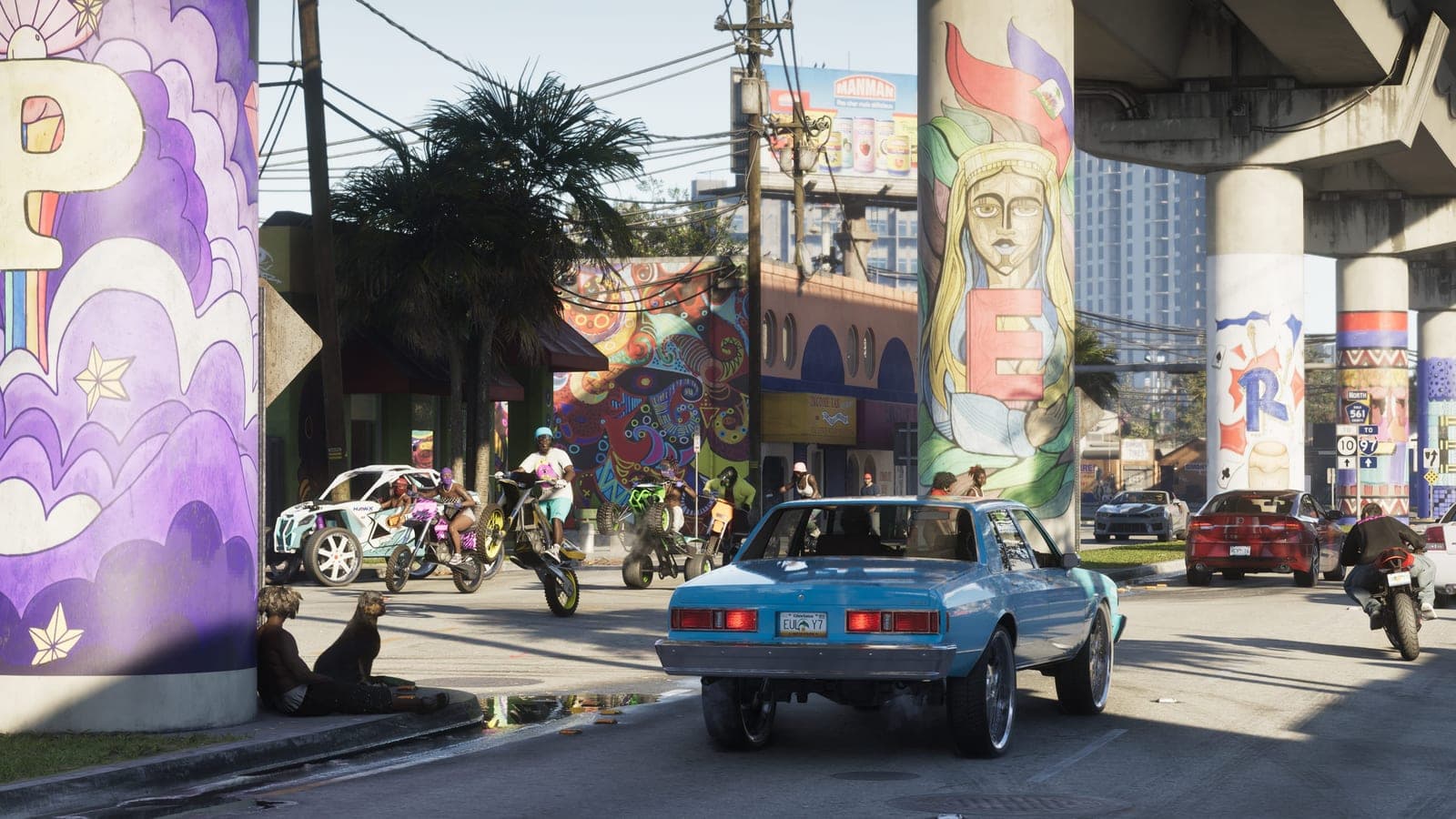
Rockstar has not published an install size for Grand Theft Auto VI. Neither the PlayStation Store nor the Xbox Store lists one, the pre-order announcement did not give one, and the support pages that cover preload and the boxed copy say nothing about space. Every figure you have seen is an estimate, and at least one of them is a joke.
What is fixed is the date. Preload opens on 12 November at local midnight, and a preload that finds the drive full does not shrink to fit — it fails and waits. So the deadline for having room is the 12th, not the 19th, and the number to have room for is one Rockstar has not said. This guide gives a planning figure and explains where it comes from, then works through what each console actually holds, what to delete, and which kinds of extra drive let you play the game rather than merely park it.
What Rockstar has said
| Status | |
|---|---|
| Preload opens 12 November, local midnight | Confirmed |
| Boxed copy is a download code, no disc — the full download is unavoidable | Confirmed |
| Install size on PS5 or Xbox Series X|S | Not announced |
| Day-one patch, and its size | Not announced |
| Whether the preload already includes the launch patch | Not announced |
| PC storage requirement | No PC version dated, no specification |
The second row is why this matters more than for a game with a disc. There is no disc; the box contains a code. Every copy of GTA VI, boxed or digital, arrives as the same download and needs the same space.
Why 250 GB is the planning figure
The figure is not a leak. It is headroom built on Rockstar's own record.
- Red Dead Redemption 2, October 2018. Rockstar's support page put the PS4 install at 99 GB, and said a digital copy needed a further 50 GB free during installation — working space that was released afterwards. That second number is the one people forget: the space the console needs to install a game is larger than the space the game occupies once it is in.
- GTA V on PS5, March 2022. The PlayStation Store listing showed a download of just under 87 GB for a nine-year-old game re-encoded for the new console.
- The current generation. The largest releases of the last few years have passed 150 GB on console, with Call of Duty the usual example. GTA VI is a bigger game than any of them on a newer engine, so the estimates circulating — a base install somewhere between 150 and 200 GB, with a launch patch on top — are plausible without being confirmed.
Add the installation headroom Rockstar asked for last time to the top of that range and you arrive at roughly 250 GB free. If the real number turns out lower, you have lost nothing but an evening of deleting things. If you plan for 150 GB and the number is 200, the preload sits paused until you make room, and you find out on the 12th.
Ignore the 677 GB screenshot. A mocked-up store listing with that figure circulated widely on social media; the joke is the digits. No store listed a size, nothing on either console has ever come close to that, and it is more than the usable space on a launch PS5 — a game that size could not be installed on the console at all.
How much space your console actually has
The capacity printed on the box is not the space you can use. The operating system and its reserved areas take a share first, and the console's own storage screen is the only honest number. These are the figures those screens reported when each model launched, as covered by the press at the time — treat them as approximate.
| Console | Advertised | Roughly usable |
|---|---|---|
| PS5, 2020 model | 825 GB | 667 GB |
| PS5 Slim, 2023 | 1 TB | 850 GB |
| PS5 Slim Digital, 2025 revision | 825 GB | 667 GB |
| PS5 Pro | 2 TB | 1.86 TB |
| Xbox Series S, white | 512 GB | 364 GB |
| Xbox Series S, 1 TB black | 1 TB | 800 GB |
| Xbox Series X | 1 TB | 802 GB |
| Xbox Series X, 2 TB special edition | 2 TB | 1.8 TB |
Two things stand out. The PS5 Slim Digital Edition that Sony revised in late 2025 went back to 825 GB, so a console bought in the last year may hold less than the one it replaced. And the white Series S is the tight one: 250 GB is more than two-thirds of everything it has. If that is your console, this is the article to read now rather than in November.
To see your own number: on PS5, Settings → Storage → Console Storage; on Xbox, My games & apps → Manage → Storage devices.
PS5: freeing space
Settings → Storage → Console Storage → Games and Apps lists everything installed and lets you sort by size. Select what you will not return to before December and delete it. Saved games live in the cloud on PlayStation Plus and in a separate area of the drive either way; deleting a game does not delete its saves.
Three places people forget:
- PS4 games. They are installed on the same drive and are often the largest things on it. They can also be moved to a USB drive and played from there — unlike PS5 games, below — so a cheap external drive is the natural home for the back catalogue.
- Media Gallery. Years of automatic clips and screenshots add up. Settings → Storage → Console Storage → Media Gallery.
- Games you would rather keep than re-download. A PS5 game can be moved to USB extended storage and moved back later, which is faster than downloading it again. See the next section for what that drive needs to be.
PS5: adding space
Two routes, and they are not equivalent.
An M.2 SSD in the slot under the cover. This is the one that behaves like the console's own drive: PS5 games install to it and play from it, and there is a slot on every PS5 model, including the Slim and the Pro. Sony's requirements are specific, and a drive that misses them either will not fit or will not be accepted:
| Requirement | Sony's specification |
|---|---|
| Interface | PCIe Gen4 x4 M.2 NVMe — not SATA |
| Capacity | 250 GB to 8 TB |
| Sequential read | 5,500 MB/s or faster recommended |
| Form factor | 2230, 2242, 2260, 2280 or 22110 |
| Cooling | A heatsink is required, built in or fitted by you |
| Total size with heatsink | No more than 110 × 25 × 11.25 mm |
The size row catches people. A drive sold with a tall heatsink for a PC can be too thick for the bay, and a bare drive with no heatsink at all is against Sony's guidance. Drives marketed "for PS5" exist precisely because they arrive inside those limits. Fitting one takes a cross-head screwdriver and about ten minutes; Sony's support site has the steps, and the console formats the drive on first boot.
A USB drive. Sony calls this USB extended storage: a drive of 250 GB to 8 TB on a SuperSpeed USB connection. It is useful, but for a narrower purpose than the box suggests. PS5 games can be stored on it and cannot be played from it. To play, the game is copied back to the console's own storage or to the M.2 drive. PS4 games are the exception and run from USB directly.
For GTA VI that means a USB drive frees space indirectly — by taking the PS4 games and the PS5 games you are not currently playing — while the game itself needs internal or M.2 space. If you are choosing one purchase, the M.2 drive is the one that solves the problem; the USB drive is the one that moves it around.
Xbox Series X|S: freeing space
My games & apps → Manage → Storage devices shows each drive and what is on it; Free up space in the same menu lists games and apps by size with when you last opened them. Uninstall what you will not play this autumn. Saves sync to the cloud on any Xbox account and survive an uninstall.
Two Xbox-specific notes:
- Quick Resume has already taken its share. The gap between the advertised and usable figures in the table above includes the space the console reserves for suspended games. It is not something you can reclaim.
- Xbox One games are on the same drive and can move to a USB drive and run from there, which makes them the first thing to move rather than delete.
Xbox Series X|S: adding space
The internal drive of a Series X or Series S is not user-replaceable, so the choice is between two external options with very different rules.
The Storage Expansion Card. A proprietary card that slots into the port on the back of the console and performs like the internal drive — games optimised for Series X|S install to it and play from it directly. Seagate has made them since launch, and Western Digital's WD_BLACK C50 is the licensed alternative; both come in 512 GB, 1 TB and 2 TB. There is no third route to playable space on an Xbox: if the internal drive is full and you want GTA VI on the console, this is the purchase.
A USB drive. Microsoft's requirements are looser than Sony's — USB 3.0 or later and at least 128 GB — but the rule that matters is the same. Games optimised for Xbox Series X|S can be stored on a USB drive and cannot be played from it. They have to be moved back to the internal drive or the expansion card first. Xbox One and older backwards-compatible games run from USB as they did on the last console.
GTA VI is a Series X|S title with no Xbox One version, so on a USB drive it is a parked file. The move back is minutes rather than the hours of a re-download, which is the drive's real use: a place to keep the games you clear out to make room, so the decision to make room is reversible.
The Series S case
A white Series S with the usual handful of games installed does not have 250 GB free, and after deleting everything it might have 364 GB. That is enough for a 200 GB install, with a launch patch, and very little else. Owners of that console face a choice the others do not: an expansion card, or a console that holds GTA VI and almost nothing alongside it.
There is no announced Series S-specific install, smaller texture set or optional download for GTA VI. Some large titles do ship a smaller package on the Series S; Rockstar has not said whether this one will, and until it does the planning figure is the same on every Xbox.
The order to do it in
- Look at the number now. Settings → Storage on PS5; My games & apps → Manage → Storage devices on Xbox. If it already says 250 GB free, you are done with this article.
- Delete or move what you will not play before December. Move Xbox One and PS4 games to USB if you have a drive; uninstall the rest. Saves are safe on both platforms.
- Decide on an expansion drive in October, not on the 11th. An M.2 drive on PS5, an expansion card on Xbox. Neither is a same-day purchase in the week of a launch this size.
- Set the preload to start on its own. The space is only half of it; the preload guide covers the rest-mode and power settings that decide whether the download begins at midnight on the 12th.
- Do not fill the space back in. A game bought on a sale in late October is the classic way to arrive at the 12th with the room gone.
What is not confirmed
- The install size, on either console. Everything above is planning, not a specification.
- The day-one patch, its size, and whether the preload already contains it. Microsoft's pre-order pages say pre-release updates come down with the preload as a general rule; Rockstar has not said what its own patch schedule is.
- Any Series S-specific package.
- PC requirements. There is no PC date and no specification; the PC specs piece covers what previous ports asked for, and why storage is the one line worth buying ahead of.
Rockstar has historically published a Newswire post covering preload, install size and unlock timing in the last two weeks before a launch — Red Dead Redemption 2 got one in October 2018, the GTA V PC upgrade got one in 2025. Expect the same in early November, and expect the real number in it. This page will be updated the day it appears.
Read next
GTA 6 is Game Informer's next cover story, and the details land on 29 September
Game Informer announced on 25 September that Grand Theft Auto VI is its next cover: 14 pages, 12 unseen screenshots, interviews with Rockstar lead designers, and the first mention of Leonida's weather and wildlife systems. Here is what was actually announced, what was only named, and when you can read it.
GTA 6's collector's edition costs $399.99 and does not contain the game
Rockstar announced The Goodtime State – Vice City Collection on 24 September. It is eleven pieces of merchandise in a box, it ships on launch day, it is limited to one per customer, and it includes no copy of Grand Theft Auto VI, no download code and no in-game content.
GTA 6 DualSense controllers: two editions, $84.99, and nothing at all for Xbox
Sony announced two limited-edition Grand Theft Auto VI DualSense controllers on 3 September and opened pre-orders on 10 September. What they cost, which of the two is genuinely hard to get, why they ship on launch day, and why the game that refused to press a disc now has official hardware on only one of its two platforms.